
Every Last Grain Download: Play the Free Browser Demo
Looking for an Every Last Grain download? Play the free demo on itch.io, learn which platform it uses, and get controls, upgrade tips, and browser fixes.
UpdatedJump to
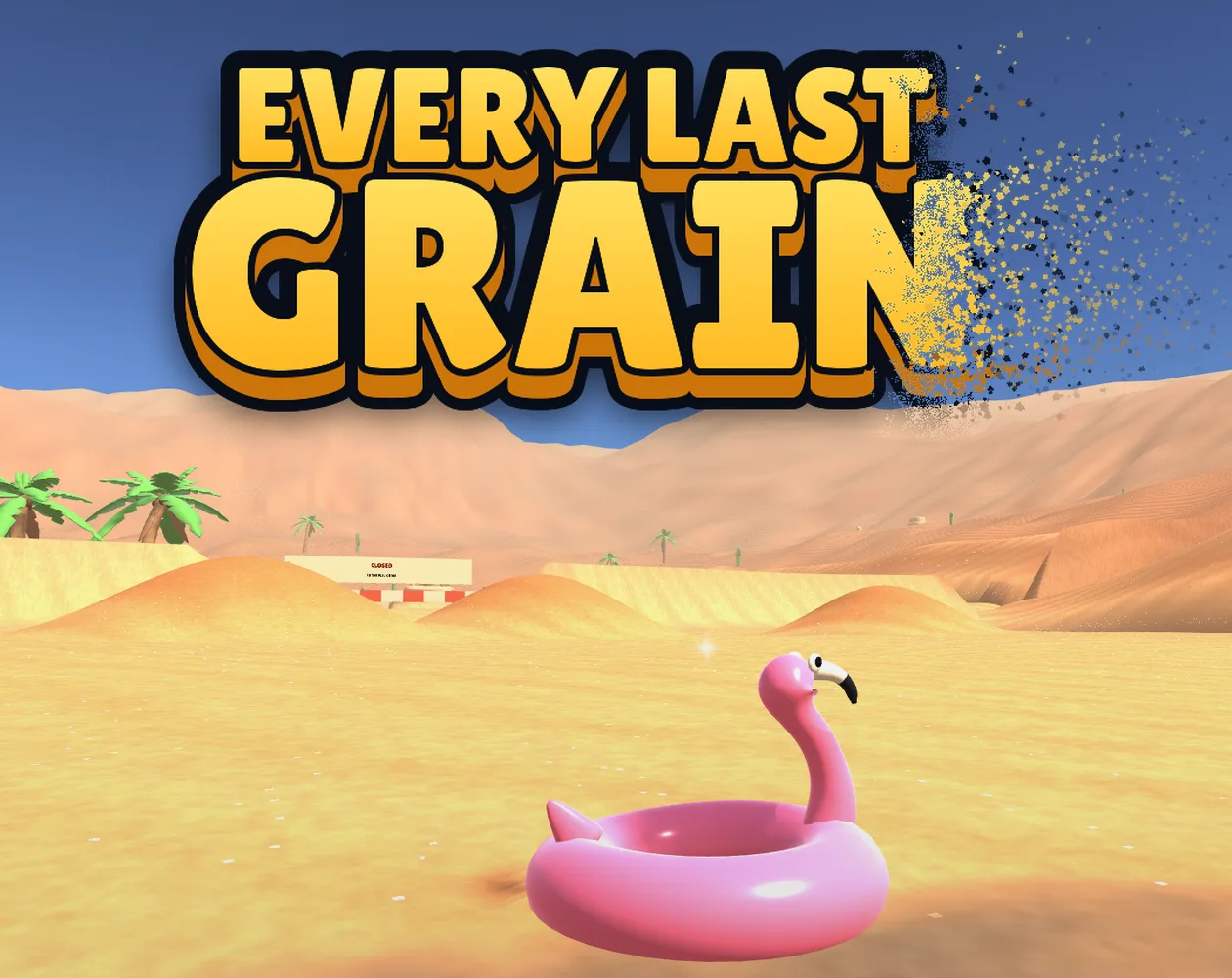
Where Can You Play Every Last Grain?
You do not need an Every Last Grain download to play the free demo: launch it in your browser on the official itch.io page. Every Last Grain uses mouse and keyboard and is best played in fullscreen. Since Update 12, the game runs exclusively on itch.io.
Demo Access Since Update 12
| Build | Platform | Price | Play location |
|---|---|---|---|
| Free demo | HTML5 browser game | Free | Oliver Kuso’s itch.io page |
Open the game’s page and launch the browser demo. Use the fullscreen option for more room to see the sand, your equipment, and the interface.
Update 12 changed how the game handles other websites. Opening it elsewhere now presents a button directing you to itch.io. Head straight to the developer’s page to start playing.
What Is Included in the Free Demo?
The demo puts you to work at Lot Edge, a parking lot buried beneath 10,000 kilos of sand. Your starting equipment is a spoon. Clear sand, carry it to the yellow Sand Deposit machine, and sell it for $1 per kilo to fund better tools.
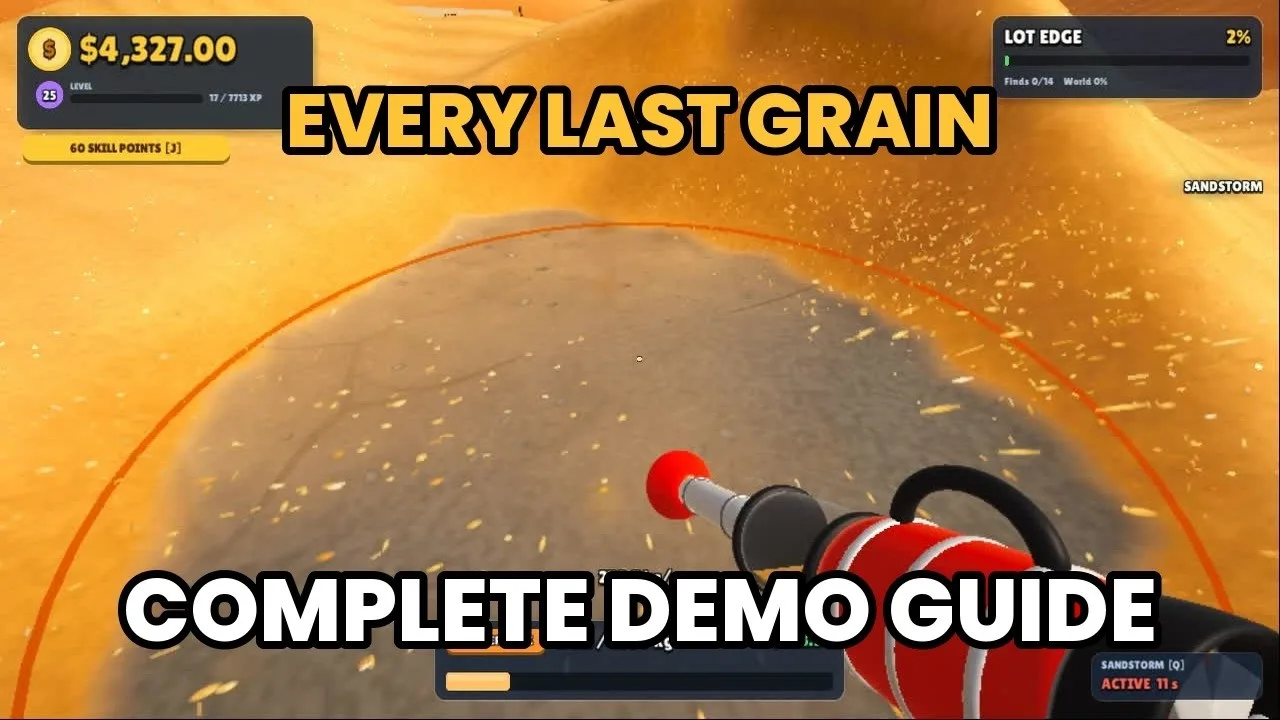
The listed session length is about half an hour, but clearing the lot opens up replay progression. There are 14 buried finds, along with equipment purchases and a skill web containing 48 skills across five branches.
The appeal is watching an absurdly slow job become manageable. Better tools increase your digging speed, larger bags and tanks let you carry more between deposit trips, and faster unloading reduces time spent at the deposit.
Keep digging around buried objects as you uncover them. Finds bring in extra money, and one discovery gives the parking lot’s strange backstory a darker edge. You can explore that surprise without needing a collectible walkthrough.
Controls and Fullscreen Setup
Mouse and keyboard are the intended inputs. These are the controls to learn before you start clearing the lot:
| Input | Action |
|---|---|
| W, A, S, D | Move |
| Mouse | Look around |
| Hold Shift | Sprint |
| Left mouse button | Dig |
| E | Use machines and pick up objects |
| J | Open the journal |
| Q | Activate an unlocked capstone ability |
| P | Open the pause menu |
Use P when you need the menu. Esc exits fullscreen and closes open windows, so it does not replace the pause key.
If mouse control drops out, click inside the game to look around again. The menu also includes a FULLSCREEN button. When you finish a session, QUIT saves your progress, exits fullscreen, and returns you to the title screen.
Early Upgrades That Speed Up the Demo
Visit the blue Supply Terminal after selling your first load. Tools determine how quickly you remove sand; bags and tanks determine how much you can carry.
| Tool | Purchase price | Base collection rate |
|---|---|---|
| Spoon | Starting tool | 0.5 kg/s |
| Garden trowel | $15 | 1 kg/s |
| Shovel | — | 2 kg/s |
| Hand vacuum | $900 | 4 kg/s |
| Turbine vacuum | $15,000 | 8 kg/s |
Buy the garden trowel with your first $15, then work toward the shovel and hand vacuum. Each step doubles the base collection rate shown here.
At 25% cleared, the Twin Canister becomes available, doubling tank capacity to 800 kilos. Buy it to carry more sand between deposit trips.
Spend early skill points on logistics upgrades for larger bags, faster unloading, and longer deposit reach. Open the journal with J to manage your skills. Respeccing is free, so you can recover every point and try another branch.
The vacuum branch includes the Sandstorm capstone. Once unlocked, pressing Q triples suction and increases nozzle radius by 50% for 12 seconds, with a 75-second cooldown. Since Update 10, that ability starts ready when a new round begins.
Browser Performance and Audio Settings
If digging feels sluggish, press P → SETTINGS → GRAPHICS and select LOW. Update 9 reduced rendering demands on high-resolution screens, cut shadows from small objects, and made the Low setting lighter.
The game also adjusts its resolution to suit your machine. Use the graphics setting before abandoning a session because of slow performance.
For audio, Settings includes separate controls for the vacuum and treasure ping. Lower the vacuum volume if its constant sound becomes distracting, or turn off the treasure ping if you prefer digging without it.
Finishing Lot Edge and Starting Another Round
Near the end of a clear, look for LAST SAND above the nearest remaining pile. Update 11 changed completion so that every visible pile must be removed, while fine dust is swept away automatically. Unreachable sand does not prevent completion.
Clearing Lot Edge awards $500, a bonus skill point, and the Survey Plaque for your collection.
Replay the lot to keep developing your skills. Since Update 8, the second round awards 1.5× XP per kilo, with the replay multiplier increasing up to 3×. After clearing the area, you can also start another round through the P menu if you dismissed the completion card.
The full game remains in development, with oases, a shipwreck, and a pyramid among the teased additions. Follow the game on its official itch.io page for the full release announcement.
Something wrong or out of date on this page? How to report a correction
Continue with
 Every Last Grain Fullscreen: Controls and Quick FixesEnable Every Last Grain fullscreen, learn the P and Esc controls, restore mouse look, and reduce browser lag so you can get back to clearing the sand.
More in Platforms
Every Last Grain Language: English Support & Controls
Every Last Grain language support is English for the browser demo. Learn the key menu labels, essential controls, and where to play the official version.
Every Last Grain Release Date: Demo & Launch Details
Looking for the Every Last Grain release date? Play the free browser demo, explore Lot Edge, and follow ongoing development of the full game on itch.io.
Every Last Grain Steam: Release Plans and Demo Guide
Looking for Every Last Grain steam news? Get release plans, play the free browser demo on itch.io, and learn which upgrades help you clear the sand faster.
Every Last Grain Where to Play: Official Browser Demo
Every Last Grain where to play: launch the free itch.io browser demo, learn the controls, improve performance, and see what's planned for the full release.
Continue exploring

Every Last Grain All Finds: Lot Edge Completion Guide
Every Last Grain all finds explained: hunt 14 buried items in Lot Edge, uncover The Last Guy, and use tool upgrades to finish the demo's collection faster.
Every Last Grain Remaining Sand: How to Finish 100%
Find Every Last Grain remaining sand with the LAST SAND marker, clear visible piles, and finish Lot Edge. Learn how Update 11 changed completion rules.
Join the community
Official channels for news, updates and player help: